

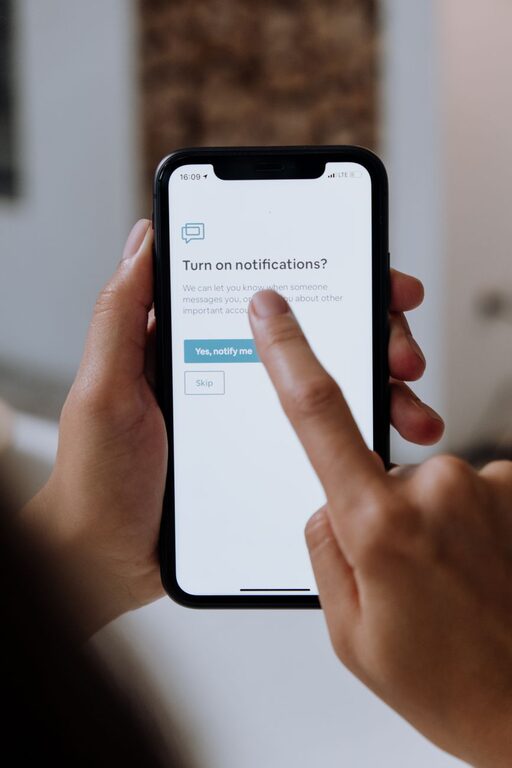
In today’s digital world, notifications constantly compete for our attention. From emails and social media alerts to messaging apps and news updates, these little pings can quickly become overwhelming and disruptive. Setting clear boundaries with your notifications is key to reclaiming your time and improving your focus and well-being.
This post offers practical tips on how to manage notifications effectively, so you can stay connected without feeling controlled by your devices.
Understanding the Impact of Notifications
Notifications are designed to grab your attention, but their constant interruptions can lead to stress, decreased productivity, and even disrupted sleep. When your phone or computer pings frequently, it can break your concentration, making it harder to complete tasks efficiently. Over time, this can contribute to feeling overwhelmed or anxious.
Setting boundaries doesn’t mean ignoring your notifications altogether; it means controlling when and how you engage with them.
Assess Your Current Notification Habits
Before making changes, take a moment to evaluate your current habits:
– Which apps or services send you the most notifications?
– Are there notifications you ignore or find unhelpful?
– How often do you check your device after receiving a notification?
– Are notifications affecting your work, sleep, or personal time?
Knowing your pain points will help you focus your efforts where they matter most.
Tips for Setting Boundaries with Notifications
1. Customize Notification Settings
Most devices and apps allow you to customize notification preferences. Explore these settings and:
– Turn off non-essential notifications.
– Choose silent or banner alerts for less urgent updates.
– Opt for summary notifications that group alerts together.
Adjusting these settings can significantly reduce unnecessary interruptions.
2. Use “Do Not Disturb” or Focus Modes
Many smartphones and computers offer “Do Not Disturb” or Focus modes:
– Schedule these modes during work hours, meetings, or personal time.
– Allow exceptions for important contacts or apps.
– Use these modes to create distraction-free periods.
This helps you stay focused without completely disconnecting.
3. Set Designated Check-In Times
Instead of responding to every notification immediately, try setting specific times to check your messages and alerts:
– For example, check emails only three times a day.
– Use breaks to review social media or news updates.
This approach balances staying informed with maintaining focus on tasks.
4. Prioritize Notifications by Importance
Decide which notifications require immediate attention and which can wait:
– Enable alerts for urgent messages or work-related updates.
– Silence promotional or social media notifications during work hours.
Prioritizing helps you respond promptly when necessary, avoiding constant distraction.
5. Organize Your Home Screen and Notification Center
Cluttered screens can increase the feeling of being overwhelmed:
– Group apps by category or usage frequency.
– Remove apps that aren’t essential.
– Clear old notifications regularly to reduce visual noise.
An organized digital space can create a calmer experience.
6. Turn Off Notifications for Social Media
Social media apps are notorious for frequent notifications. Consider:
– Disabling push notifications entirely.
– Using the apps only during scheduled times.
– Turning off “likes,” comments, or follower alerts that aren’t essential.
Reducing social media pings can improve mental clarity and reduce distractions.
7. Communicate Your Boundaries with Others
Let friends, family, and colleagues know when you are limiting notifications:
– Share your availability hours.
– Encourage messaging through specific channels for urgent matters.
– Explain why you’re setting these boundaries for better focus and balance.
Clear communication sets expectations and respects your time.
8. Use Technology to Support Your Goals
Some apps and tools help manage notifications and digital wellbeing:
– Notification management apps that batch or filter alerts.
– Screen time trackers to monitor your usage.
– Automation tools that silence notifications during certain activities.
Explore options that fit your lifestyle and goals.
Benefits of Setting Notification Boundaries
When you control notifications instead of letting them control you, you’ll likely notice:
– Increased concentration and productivity.
– Reduced stress and anxiety related to digital overload.
– Better time management and work-life balance.
– More meaningful engagement during personal time.
– Improved sleep quality by avoiding late-night alerts.
These benefits contribute to a healthier relationship with technology.
Final Thoughts
Setting boundaries with notifications is a personal process that depends on your lifestyle and priorities. Start small by adjusting a few settings or scheduling focused time, then build from there. Remember, the goal isn’t to disconnect completely but to create a balanced digital environment that supports your well-being.
Try some of these tips to take back control of your attention, reduce distractions, and enjoy a more mindful digital experience.